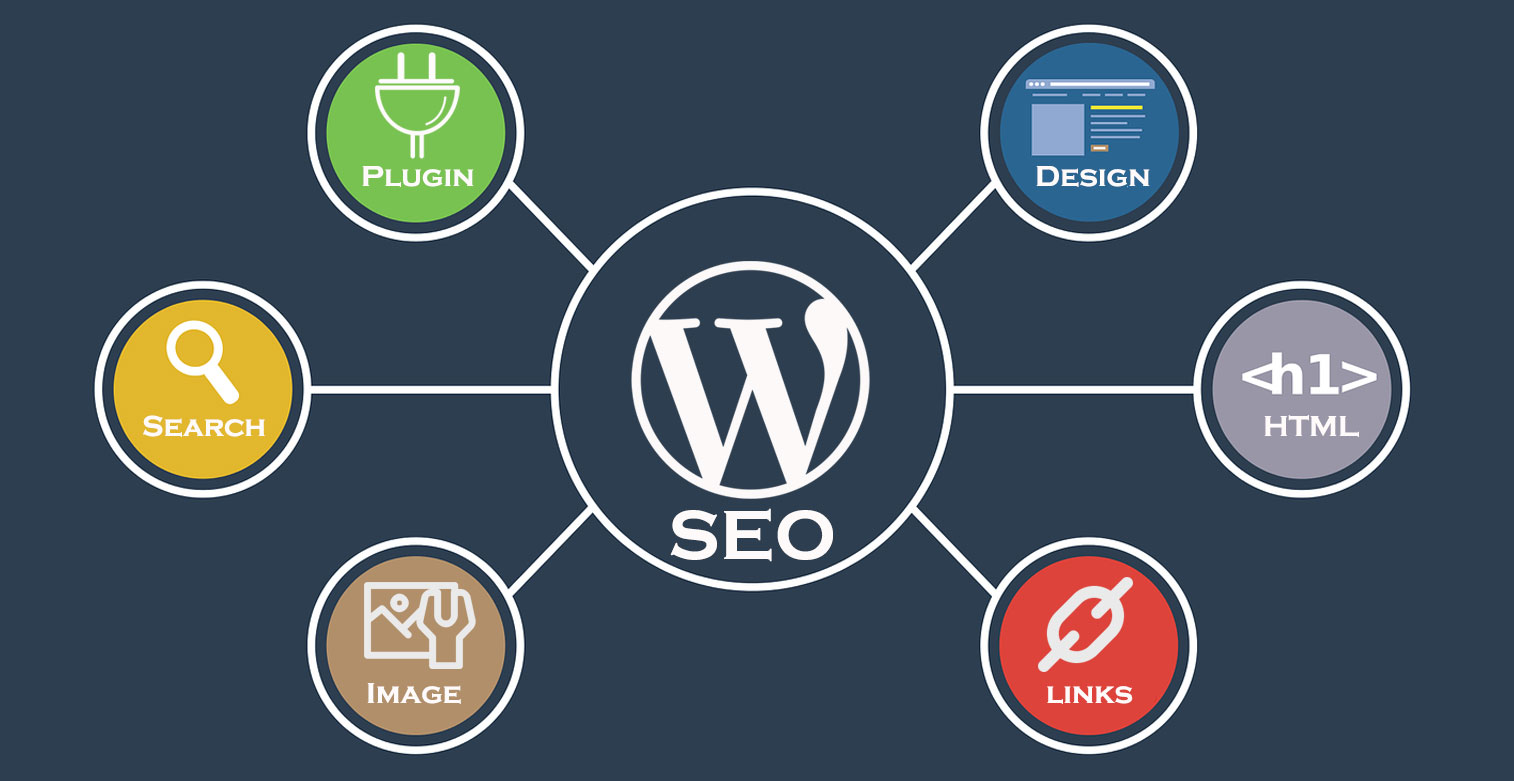
Top 10 WordPress SEO Hacks to Skyrocket Your Traffic
In the competitive world of online blogging, mastering WordPress SEO is crucial for enhancing your visibility and driving traffic. Here are Top 10 WordPress SEO Hacks that promise to skyrocket your traffic:
- Optimize Your Permalinks: Change your permalinks to include keywords and ensure they're easy to read.
- Use SEO Plugins: Plugins like Yoast SEO or All in One SEO can automate many of the optimization processes.
- Focus on High-Quality Content: Engaging and informative content is king. Make sure your posts answer the needs of your target audience.
- Enhance Page Speed: A faster site improves user experience and reduces bounce rates, which is vital for SEO.
- Implement Mobile Optimization: Use responsive themes and ensure your site looks great on all devices.
- Utilize Header Tags: Structure your content with H1, H2, and H3 tags to improve readability and hierarchy.
- Image Optimization: Compress images and use alt attributes with keywords to enhance SEO.
- Engage in Internal Linking: Link to your other posts to keep visitors on your site longer and distribute page authority.
- Utilize Social Sharing: Make it easy for readers to share your content on social media for wider reach.
- Monitor Your Performance: Use tools like Google Analytics to track your traffic and identify what works best.
How to Optimize Your WordPress Site for Search Engines: Essential Tips
Optimizing your WordPress site for search engines is crucial for increasing your visibility online. Start by installing a reliable SEO plugin, such as Yoast SEO or All in One SEO Pack. These tools guide you through essential optimizations and help you create optimized meta titles and descriptions. Additionally, focus on improving your site’s loading speed by compressing images and utilizing caching plugins. Site speed is a key factor for search engines, so ensure that your website is quick and responsive to enhance user experience.
Another vital aspect of SEO is effective keyword research. Identify relevant keywords related to your niche and incorporate them into your content strategically. Use these keywords in headings, body text, and image alt tags to make it easier for search engines to understand your content. Furthermore, create a sitemap and submit it to Google Search Console to ensure that all of your pages are indexed properly. Lastly, consider implementing structured data markup to help search engines understand the context of your content better, which can enhance your chances of appearing in rich snippets.
Are You Making These Common WordPress SEO Mistakes?
When it comes to optimizing your website for search engines, WordPress SEO mistakes can significantly impact your site's visibility. One common error is neglecting to use SEO-friendly URLs. Instead of the default permalink structure, which includes a series of numbers, ensure your URLs are descriptive and include your target keywords. For example, instead of a URL like yourwebsite.com/?p=123, consider a more readable format such as yourwebsite.com/wordpress-seo-tips. This not only helps with search engine ranking but also improves the user experience.
Another frequent oversight is failing to optimize images. SEO for images is often overlooked, yet it plays a crucial role in overall site optimization. Make sure to use relevant keywords in your image file names and alt text. For instance, if you're featuring an image related to WordPress plugins, instead of naming the file img12345.jpg, opt for something like wordpress-plugins-review.jpg. This way, your images become searchable, helping to drive additional traffic to your site from image search results.